PowerPoint Automation: How AI Agents Are Finally Making It Real
The PowerPoint Problem Nobody Talks About
If you've ever spent a Tuesday afternoon copying numbers from a spreadsheet into a slide deck that looks identical to the one you built last Tuesday, you already know the problem. PowerPoint automation sounds like a minor workflow improvement. In practice, it represents one of the most stubborn inefficiencies in modern business, and one of the most consequential. Analysts at companies of every size, across marketing, finance, research, and operations, routinely dedicate 60 to 80 percent of their working week not to analysis, but to the mechanical labor of collecting data, cleaning it, reconciling it across sources, and reformatting it into presentations that their teams and clients will spend fifteen minutes reviewing.
The frustrating part isn't just the time lost. It's that the work is almost entirely repetitive. The same metrics, pulled from the same sources, formatted into the same template, sent to the same distribution list, week after week, quarter after quarter. The data changes. The process doesn't. And because the process is manual, it's also fragile: one mislinked cell, one stale export, one last-minute data revision, and the deck goes out wrong. The downstream costs of that include missed insights, bad decisions made on stale numbers, and embarrassing corrections that are rarely measured but almost always real.
What makes this problem so persistent is that it isn't really a PowerPoint problem. PowerPoint is just where the pain is most visible. The actual problem lives upstream, in the gap between the data that exists inside an organization and the people who need it in a usable form. Solving that gap requires more than a better way to populate slides. It requires rethinking the entire workflow that feeds them.
What People Mean When They Search "PowerPoint Automation"
The phrase "PowerPoint automation" means different things depending on where you're sitting. For a developer, it might mean using python-pptx to programmatically generate slides from a template. For a finance analyst, it might mean connecting Excel to PowerPoint through linked objects, so that refreshing the workbook updates the deck. For a marketing ops professional, it might mean experimenting with Microsoft Copilot to see whether it can auto-generate a performance summary. For someone who has tried all of those and is still frustrated, it might mean something more ambitious: a system that actually removes the manual work entirely, end to end.
Each of these approaches has real merit, and each has a real ceiling. VBA macros and Python scripts can absolutely populate slides from structured data, but they require someone to write and maintain them, they break when data schemas change, and they assume the data is already clean and ready to use, an assumption that rarely holds in practice. Linked Excel objects work within the Microsoft ecosystem until they don't, usually right before an important presentation. Copilot and similar AI assistants can help you work faster inside a single application, but they don't have access to your data infrastructure, and they can't orchestrate a multi-step workflow that spans data collection, transformation, analysis, and output generation. Each of these tools addresses part of the presentation layer. None of them address what happens before the deck gets touched.
The gap that persists across all of these solutions is the same: they take as a given that someone, somewhere, has already done the work of pulling the data together. That assumption is where most of the analyst's time actually goes. And that's the problem that genuinely powerful PowerPoint automation has to solve.
Why Automating the Slide Is Only Half the Job
Think about what actually happens before a recurring performance deck gets published. Data gets pulled from a CRM, a marketing platform, a data warehouse, and a spreadsheet that lives on someone's desktop. Those extracts are downloaded, opened, and reconciled because the same metric is defined differently in two of the systems. Custom calculations are applied: blended CPMs, attribution-adjusted revenue, period-over-period growth rates that require logic someone built once and has been copying forward ever since. The resulting numbers are pasted into a slide template, labeled and formatted, and then checked against last week's version to make sure nothing looks obviously wrong. If it does look wrong, the process rewinds.
If you automate only the last step of populating the template, you've saved perhaps 20 percent of the time and eliminated none of the risk. The data preparation work, which is where most errors are introduced and most time is spent, remains entirely manual. This is the ceiling that most "PowerPoint automation" tools hit, and it's why teams that implement them often find themselves underwhelmed. The slides come together faster, but the analyst is still drowning in spreadsheets for the two hours before that.
Full-lifecycle PowerPoint automation means automating the entire chain: data collection from every relevant source, harmonization and transformation, business logic application, and only then output generation. This is a fundamentally different scope of work than template population. It's the difference between automating the last mile and automating the entire journey. And it's only recently become achievable without building a custom data engineering stack from scratch, because of how agentic AI has evolved.
How Agentic AI Changes What's Possible
The term "agentic AI" has become overused quickly, but the underlying concept is genuinely meaningful for this problem. Rather than a single model trying to do everything, generating text, querying data, formatting output, an agentic architecture deploys a coordinated ecosystem of specialized agents, each purpose-built for a specific function within a workflow. When applied to the data-to-presentation pipeline, this changes the nature of what automation can actually do.
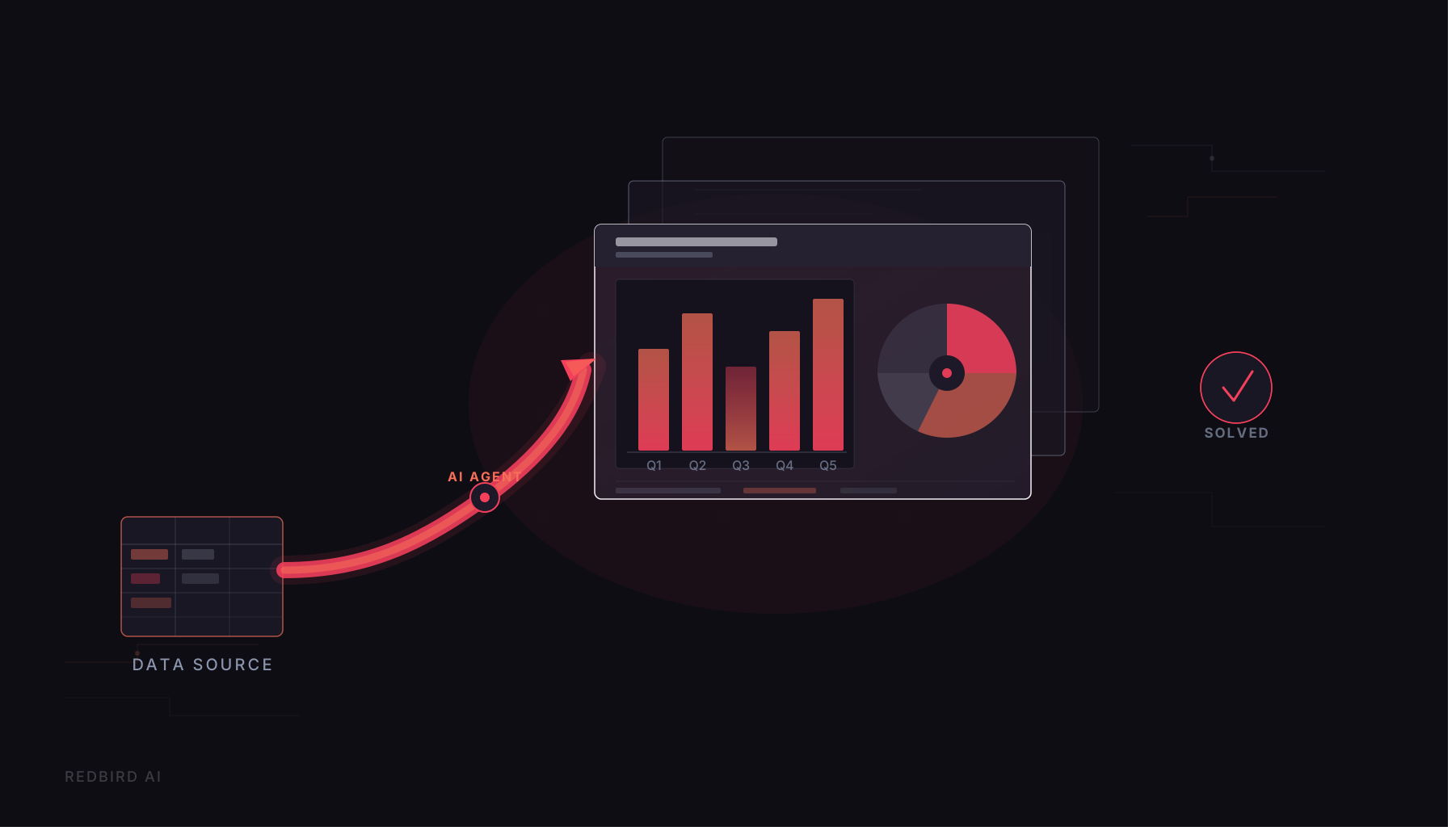
In Redbird's architecture, for example, a user can request a weekly performance deck in natural language through chat, email, or a messaging tool like Slack, and a Routing Agent decomposes that request into its constituent tasks. A Data Collection Agent pulls the relevant data from connected sources: cloud warehouses like Snowflake, marketing platforms like Google Ads and Facebook, enterprise systems, file stores. A Data Engineering Agent harmonizes the data across those sources, handling schema differences, deduplication, and the kind of multi-source reconciliation that otherwise lives in a tangle of Excel formulas. An Analyst Agent applies the organization's specific business logic and KPI definitions. And a Reporting Agent assembles the final output, a fully formatted PowerPoint deck built on the organization's actual templates, with the organization's branding and layout standards applied.
Critically, this isn't an LLM generating slides from scratch and hoping it gets the numbers right. Redbird's LLMs handle roughly ten percent of the work, interpreting user intent and routing requests. All execution happens through a deterministic orchestration layer that translates those instructions into step-by-step, auditable workflows. Every data pull, every transformation, every calculation is logged and reviewable. For teams in regulated environments like financial services, healthcare, and enterprise media, this auditability isn't a nice-to-have. It's a requirement. The accuracy and governance properties of agentic orchestration are what make this kind of automation production-grade, not just a clever demo.
What This Looks Like in Practice
Consider a marketing analytics team at a mid-sized brand. Every Monday, they publish a performance deck for their media agency and internal stakeholders. The deck covers paid social performance from Facebook and LinkedIn, search from Google Ads, and attribution data from their data warehouse in Snowflake. Historically, building this deck takes the team's lead analyst about three hours: pulling exports, cleaning the data, reconciling metric definitions across platforms, running the blended calculations, and populating the template. The analyst is good at their job and has built a reasonably efficient workflow over time. The deck still takes three hours.
With Redbird deployed and the relevant data sources connected, the same workflow runs automatically on a Monday morning schedule. The platform pulls live data from each connected source, applies the team's agreed-upon metric definitions and attribution logic, and produces a formatted PowerPoint deck built on the team's existing template, with all the usual slides, charts, and commentary placeholders, and delivers it to the relevant distribution list before the analyst's first meeting. The analyst's Monday morning becomes about reviewing the output and adding context, not building the deck. The three hours become fifteen minutes.
This isn't a hypothetical. It's the operational pattern across Redbird's client base, which spans large enterprise organizations where reporting workflows are high-volume, high-stakes, and historically dependent on significant analyst time. The value isn't just efficiency, though the efficiency is real and measurable. It's consistency: the same logic applied the same way every time, with a full audit trail, and no risk that the deck went out with last month's numbers because someone grabbed the wrong export.
What to Look for in a PowerPoint Automation Tool
If you're evaluating options for automating your reporting workflows with PowerPoint outputs as a key deliverable, there are a few dimensions that separate surface-level solutions from ones that actually eliminate manual work at scale. The most important is data connectivity. A tool that can populate a template but requires you to manually export and upload the source data hasn't solved the problem. Look for native connections to the data sources your team actually uses: cloud warehouses, marketing and advertising platforms, CRM and ERP systems, and file-based sources. The broader and more automated the connectivity, the more of the upstream work the platform can absorb.
The second dimension is template fidelity. Business teams have standards: branded layouts, specific chart formats, slide structures that stakeholders expect. A tool that produces generic, un-branded output creates more work, not less, because someone has to reformat everything before it can go out. The best PowerPoint automation platforms ingest your existing templates and produce output that is indistinguishable from what your team would build by hand, just without the hand.
Third, look for scheduling and event-based triggering. True automation means the workflow runs without human initiation: on a schedule, when a data threshold is crossed, or when a downstream event fires. If someone still has to push a button to start the process, you've built a faster manual workflow, not an automated one. And finally, pay close attention to accuracy and auditability. This is where many AI-driven tools disappoint. If the platform relies primarily on an LLM to generate outputs and can't show you exactly how a number was calculated or where it came from, it isn't suitable for business reporting that people will make decisions from. Deterministic orchestration, full execution logs, and data lineage tracking are the markers of a platform that's production-ready rather than prototype-ready.
The Bottom Line
PowerPoint automation, done well, isn't really about PowerPoint. It's about the full chain of work that produces the data that goes into a presentation, and the recognition that automating only the last step leaves most of the problem unsolved. The teams that find the most value in this space are the ones that stop thinking about it as a slide-generation problem and start thinking about it as a workflow automation problem: one that begins at the data source and ends with a polished, accurate, on-brand deliverable in the hands of the right people at the right time.
Agentic AI has made this scope of automation genuinely achievable without a custom engineering build. The infrastructure exists today to connect to your data sources, apply your business logic, run your reporting cadence, and produce output your team can use, automatically, accurately, and with a full audit trail.